Featured products
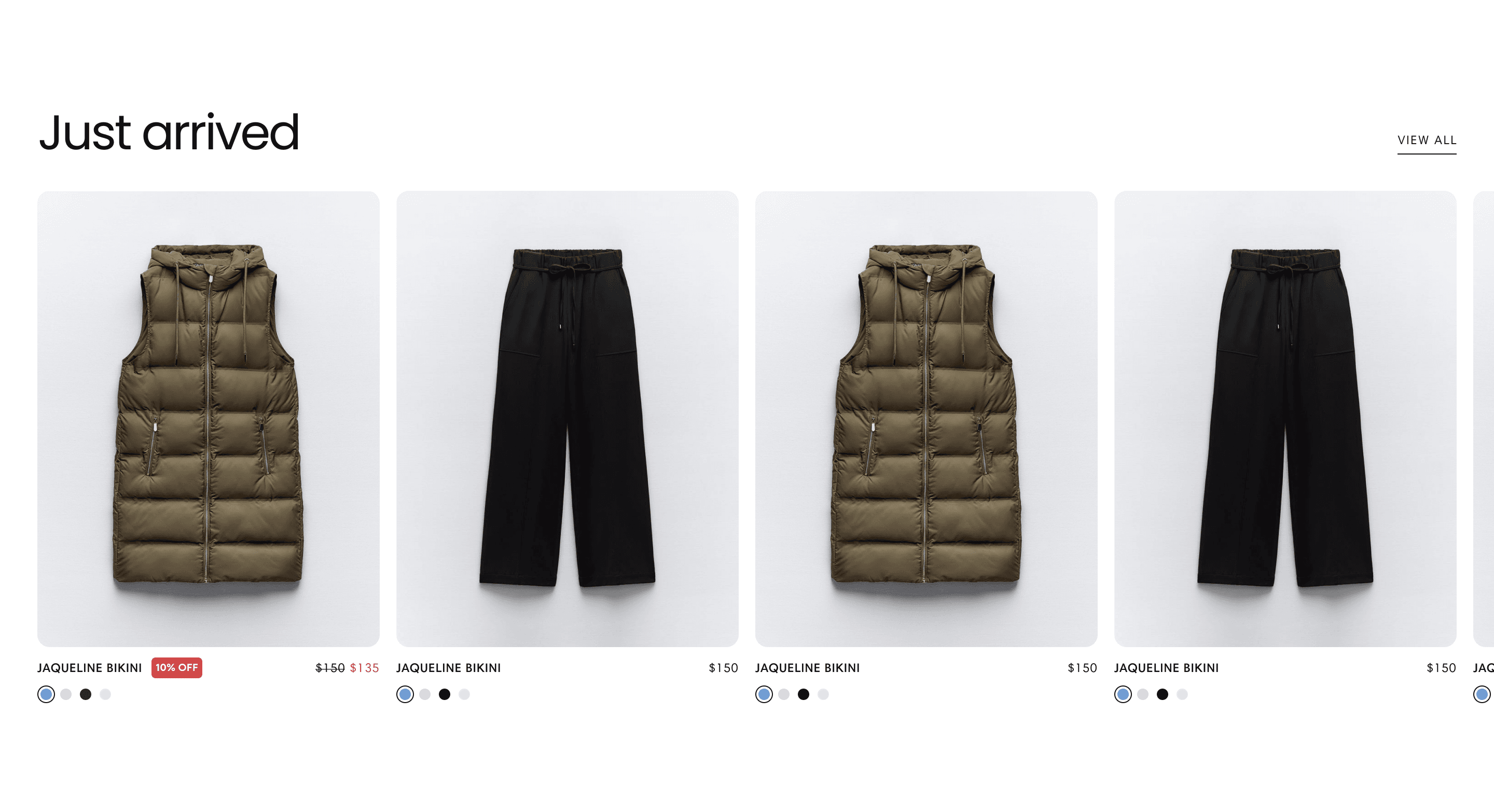
About
The Featured products section allows you to highlight select products in an eye-catching layout, enabling visitors to discover and engage with your best-selling or featured items effortlessly.
Layout
Choose between two layout options to present your featured products:
Layout 1
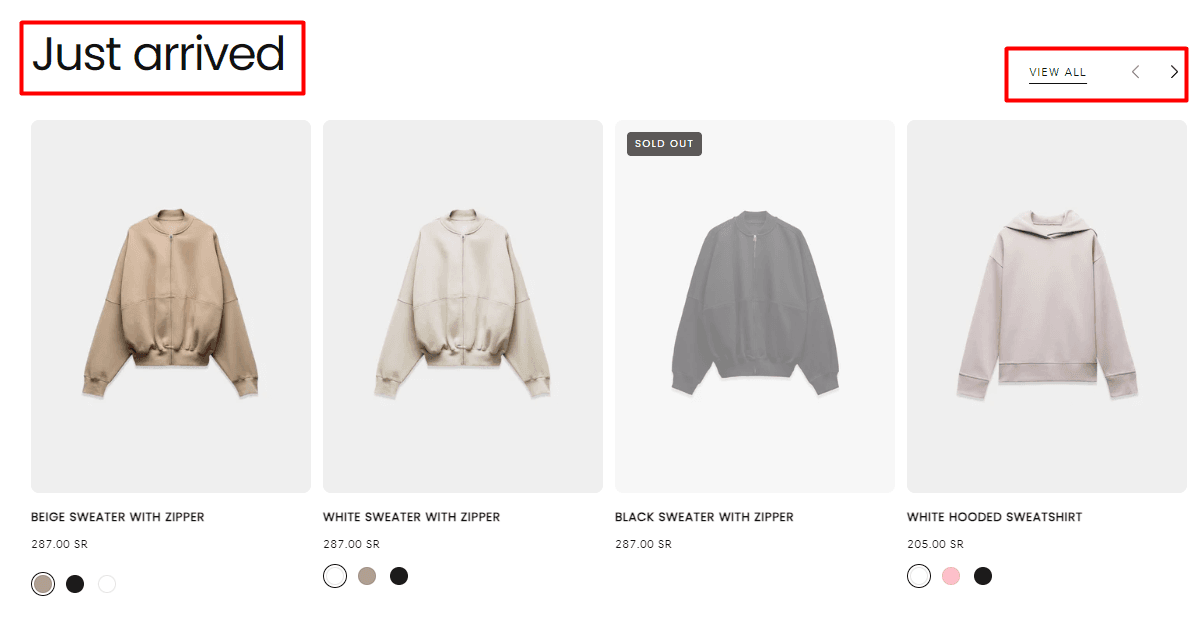
Layout 2
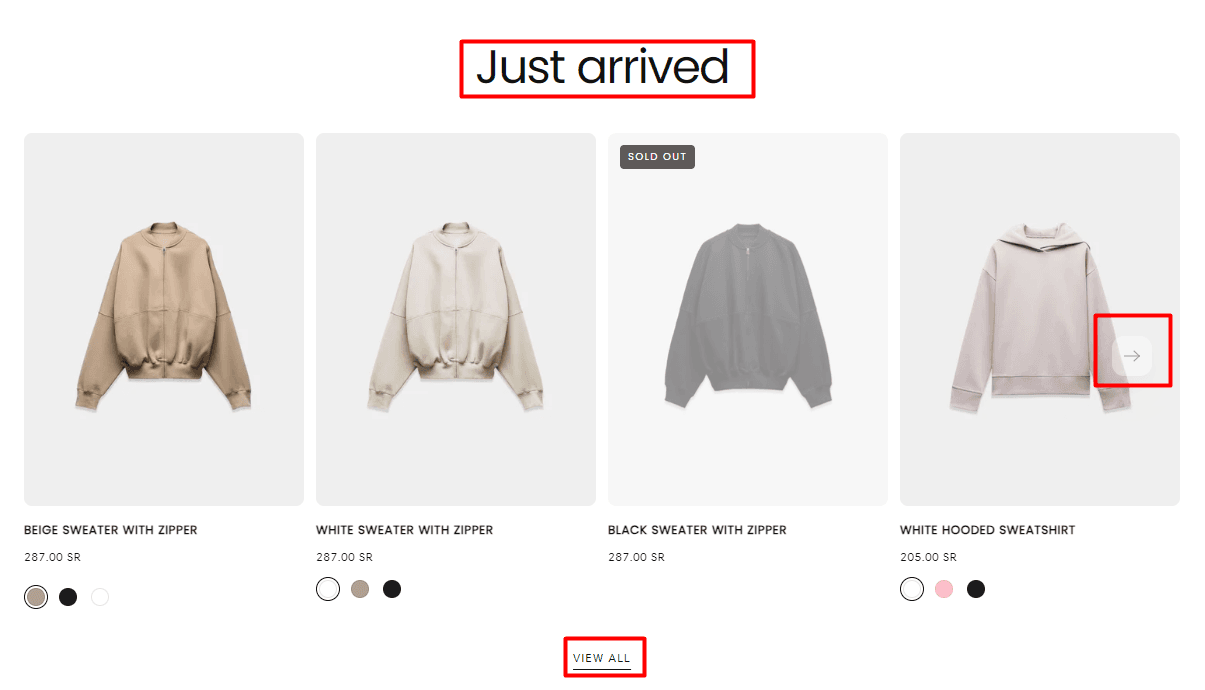
Heading(Enter a title to emphasize your featured products, such as "Best Sellers" or "New Arrivals.")
Subheading(Optionally, include a subheading to provide additional context or promote special offers.)
Button Label (Leave empty to hide the button, or specify a label to encourage users to explore more products.)
Button Link (Provide the URL link to the page containing featured products or a specific product category.)
Button Style (Filled / Outlined / Text)
Slideshow Settings
Number of Products for Each Group: Specify the number of products to display in each slideshow group.
Enable Slideshow Overflow: Toggle to allow overflow in the slideshow when there are more products than the specified number of products per group.
Show Navigation Arrows: Toggle to display or hide navigation arrows for scrolling through the slideshow.
Autoplay Interval: Set the interval for automatic slideshow autoplay. Set to 0 to disable autoplay.
Tabs Settings
Button Style (Filled / Outlined / Text)
By utilizing these customization options, you can effectively feature your products in a visually appealing manner, enhancing user engagement and encouraging visitors to explore your product offerings further.
Contact UsWas this article helpful?
Have more questions? Submit a request